Short answer
Press play. We’ve translated the agent-speak into ten things you can actually look for.
OpenAI’s official Dots video
Watch OpenAI’s 2:28 introduction. This is the company’s product demo, not an independent test. Open the video on YouTube if the player does not load.
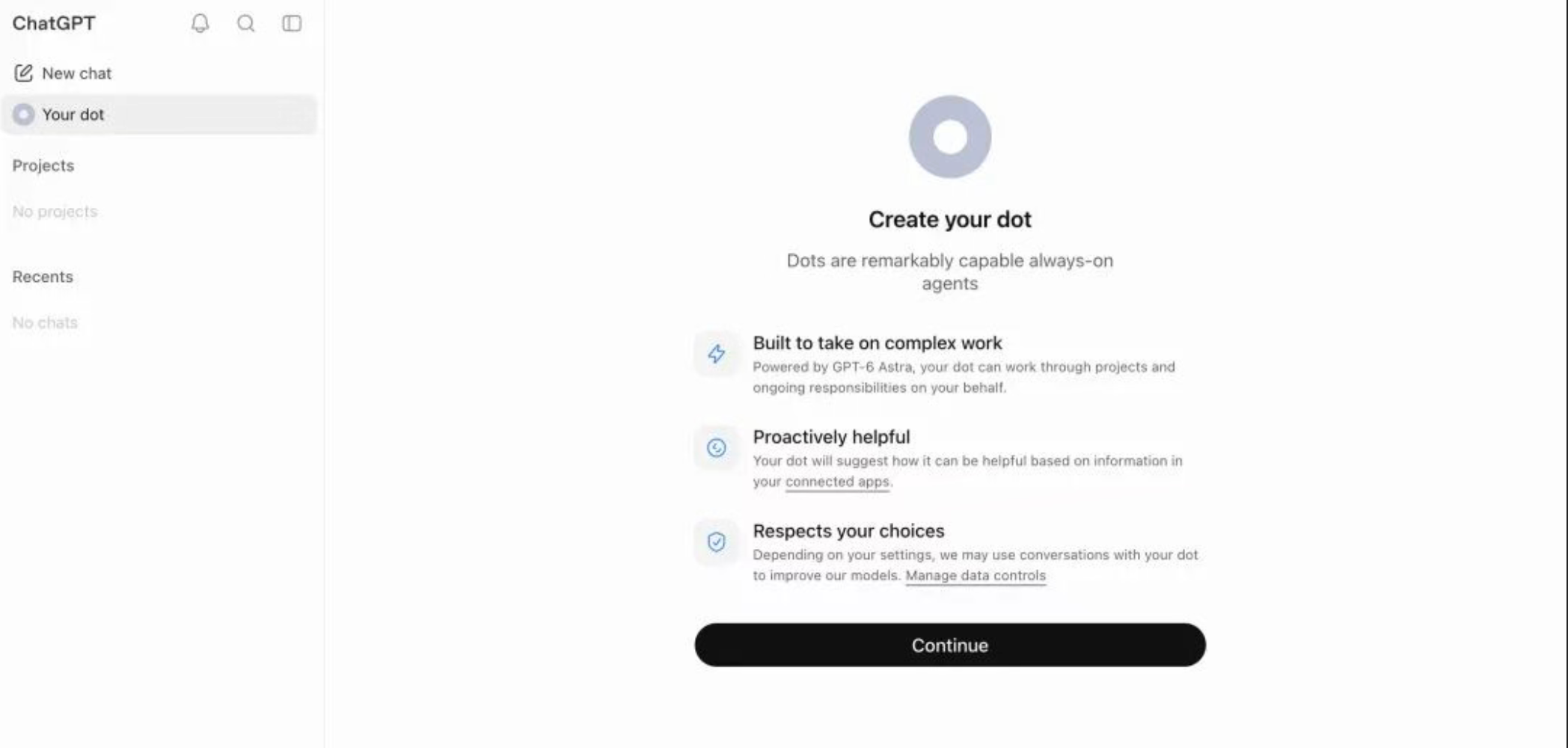
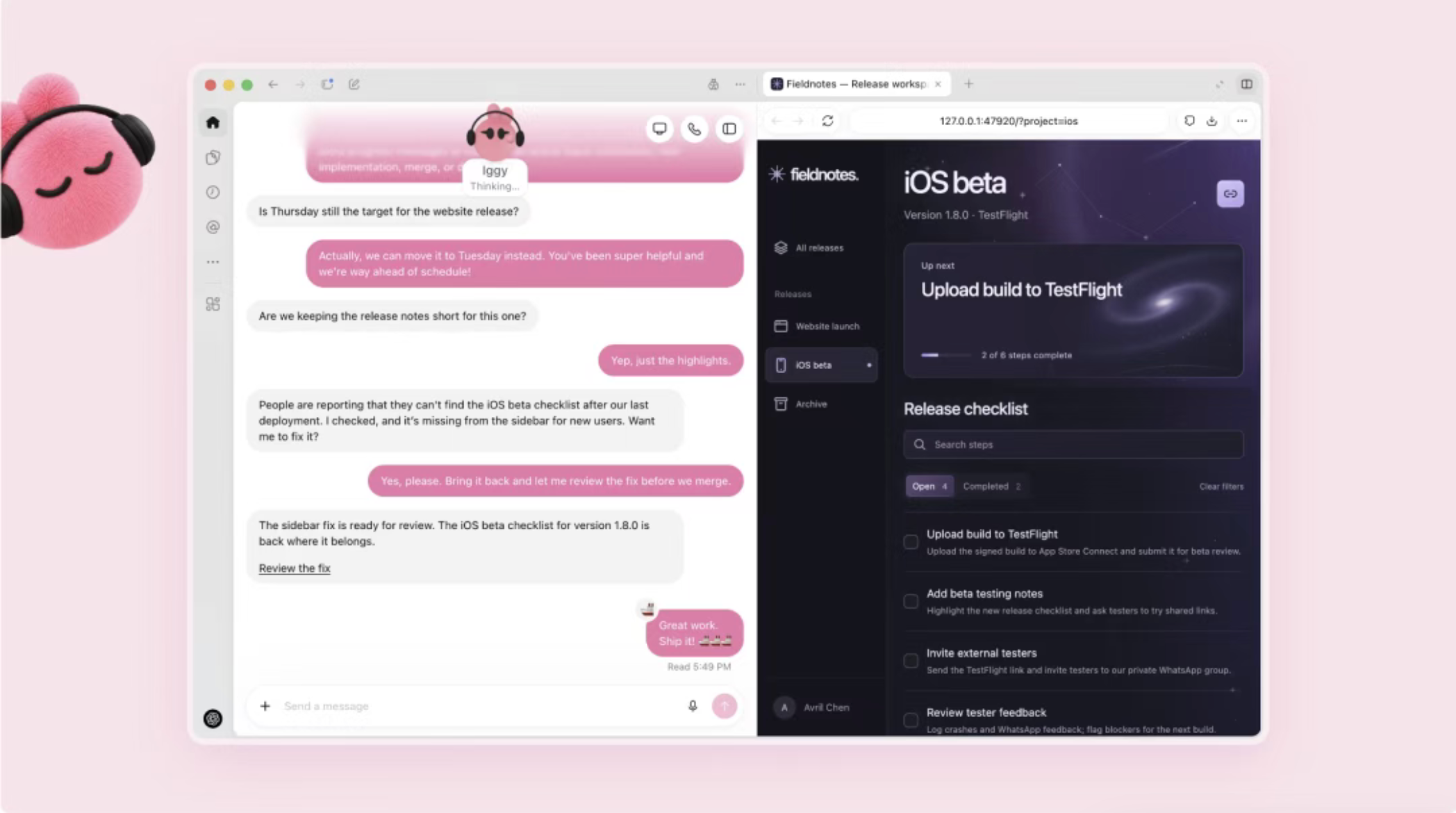
Dots screenshots: setup and work side by side
Here is the interface behind the launch trailer. The first screen introduces your Dot; the second puts a conversation beside the project it is working on. Less “please paste that into another app,” more “show me the work.”
Try the workflow in the video
Watch how the conversation stays next to the work. Then give your own Dot one recurring assignment: what to check, how often, and what result you want back. Create it on desktop, review its activity, and open its computer to see the work. Setup guide.
Ten takeaways from the demo
- Give it an ongoing goal, not just a one-off question.
- It works on a cloud computer you can inspect.
- The demo shows it moving several projects forward.
- Connect apps to carry work between them.
- Continue across ChatGPT, Slack, and Teams.
- Send a message or call to give feedback.
- It is designed to adapt to your goals and preferences.
- One coding example turns customer feedback into proposed fixes and pull requests.
- Other examples update launch plans, research, proposals, and content as details change.
- You stay in the approval loop for actions that need your say-so.