What Exactly Is dots?
To understand dots, start with what it isn’t.
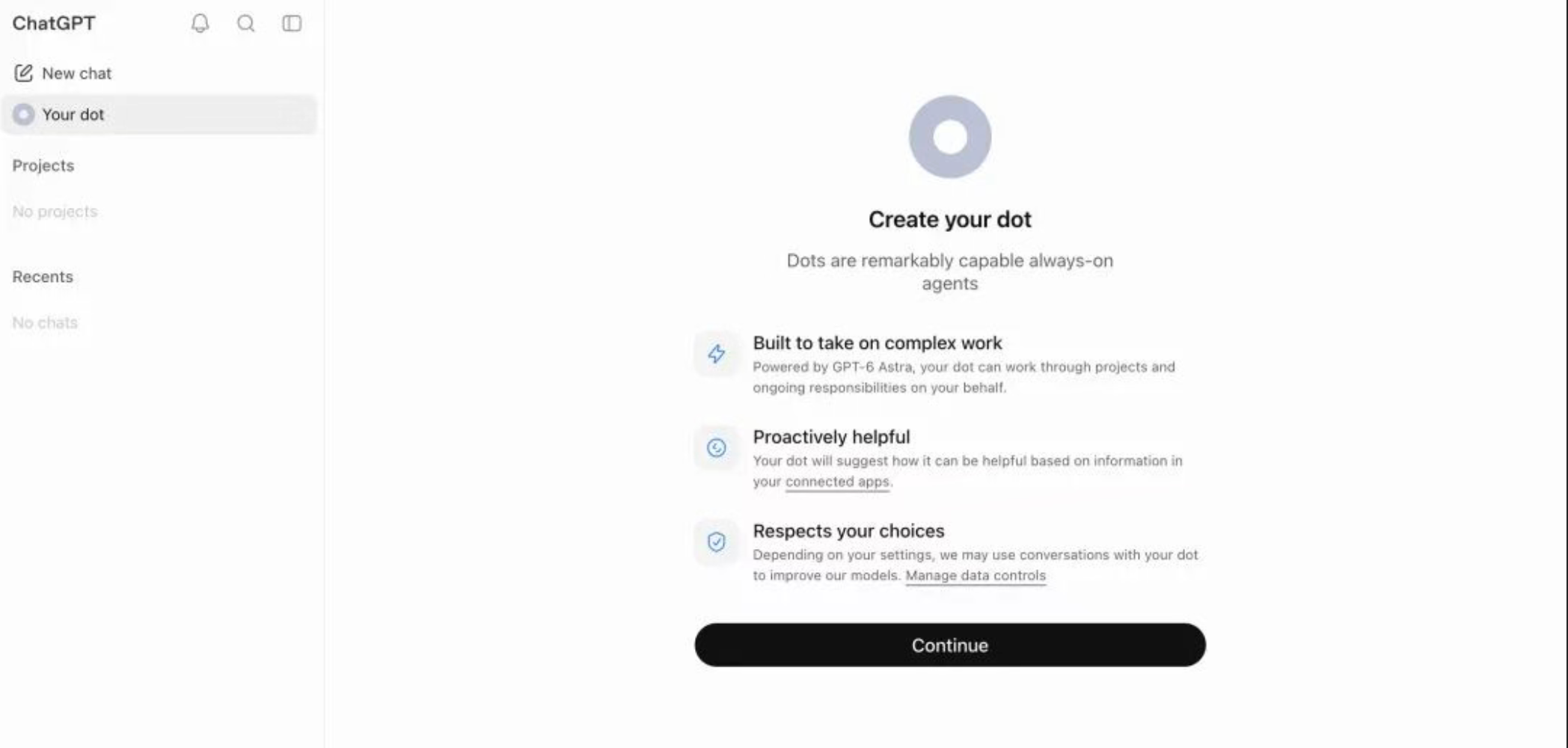
dots is not an upgraded ChatGPT chatbox, nor a chatbot that replies when you ask a question. Each dot is a continuously running agent. Choose which actions it can take on its own, and it will proactively move your work forward.
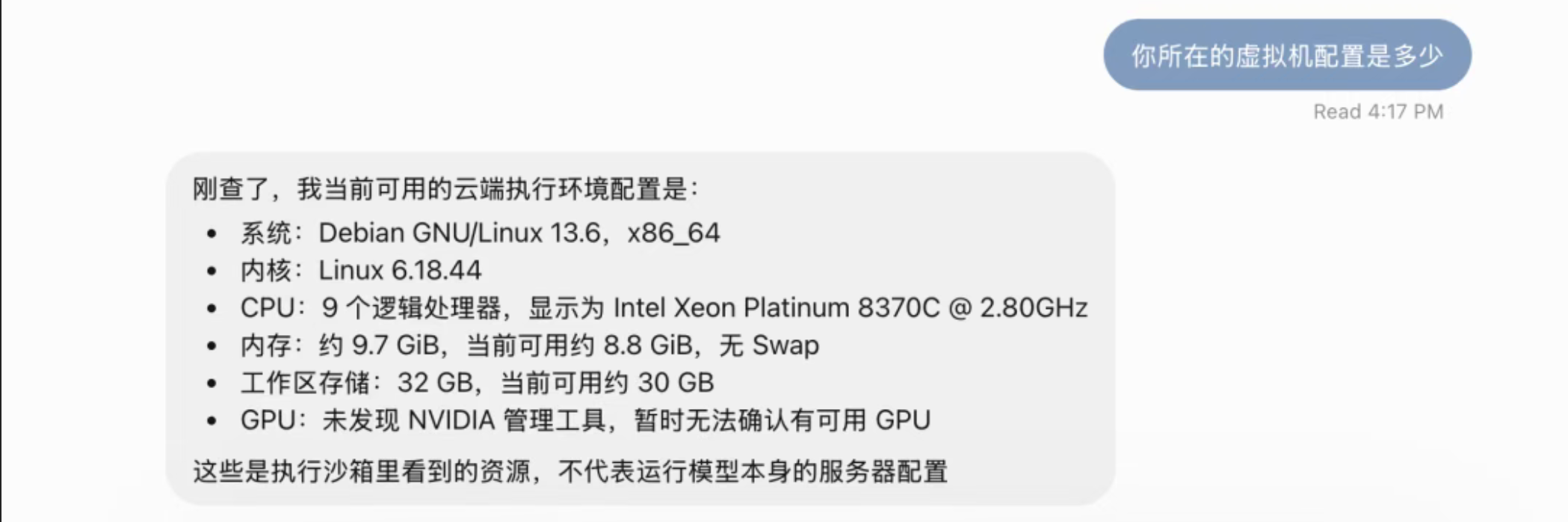
Each dot runs on an isolated cloud VM with a browser, terminal, and file storage. You can assign tasks through the ChatGPT chat window, Slack, or Microsoft Teams, with context syncing automatically across channels.
The dots interface has two columns: on the left, your conversation with dots; on the right, a live view of what dots is working on.
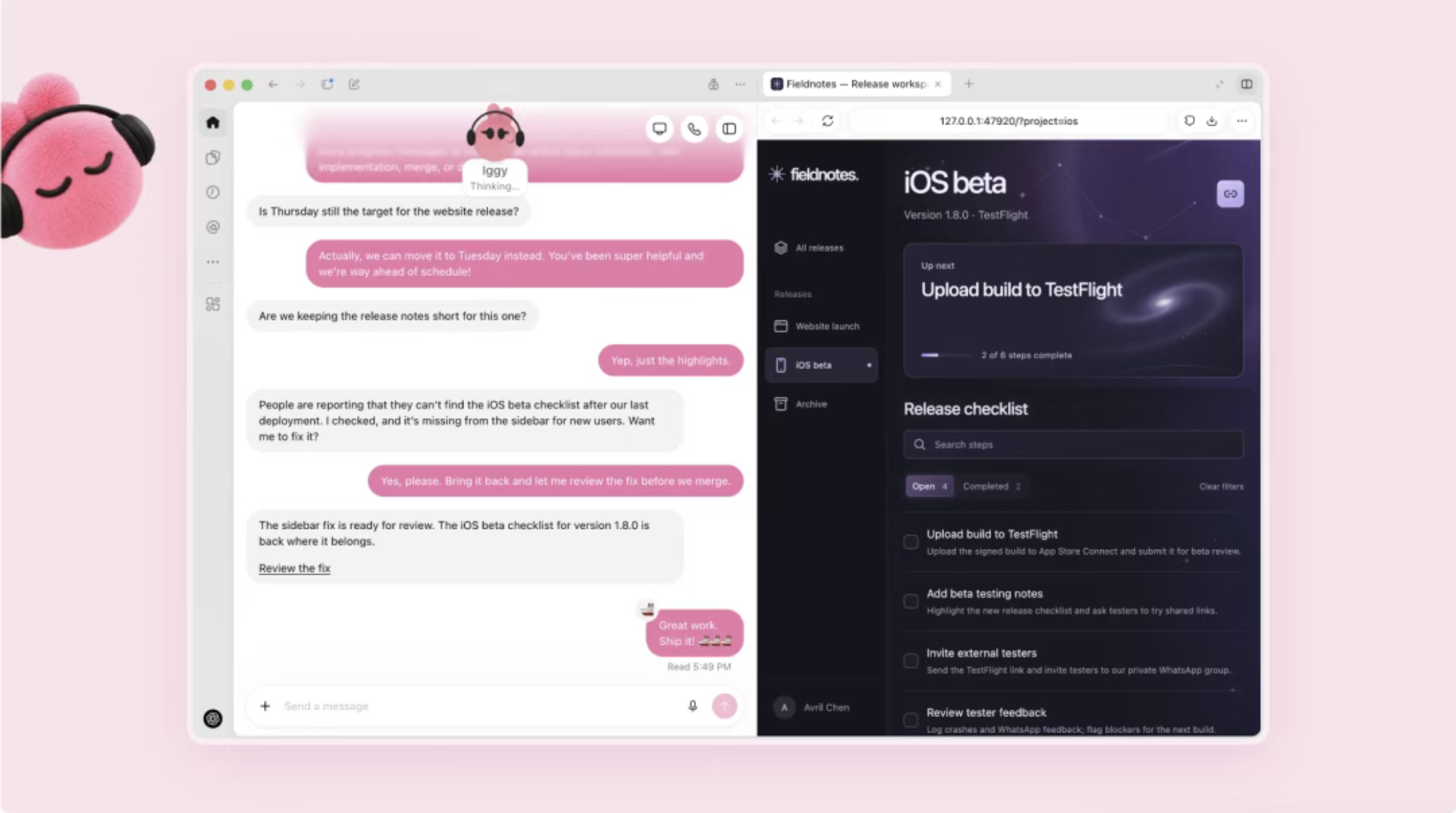
It can connect to over 4,000 apps, including calendars, email, and project management tools. One dot can work on multiple projects at once.
It Finds Work Before You Ask
Taking the initiative may be dots’ biggest difference from other AI agents.
When you’re not talking to it, dots scans in the background with read-only access. Important note: it can only observe. It cannot send messages, modify content, or control systems — it simply checks whether anything needs attention.
OpenAI demonstrated two examples live. One dot discovered a forgotten invoice and drafted a response, waiting for your confirmation before sending. Another spotted a bug reported in Slack, then located and submitted a fix — fully automated.
Behind dots is OpenAI’s strongest model, GPT-6 Astra. According to Sam Altman, “GPT-6 Astra is our most aligned model.” The message: you can trust dots with your work.
How dots Avoids Muse’s Mistakes
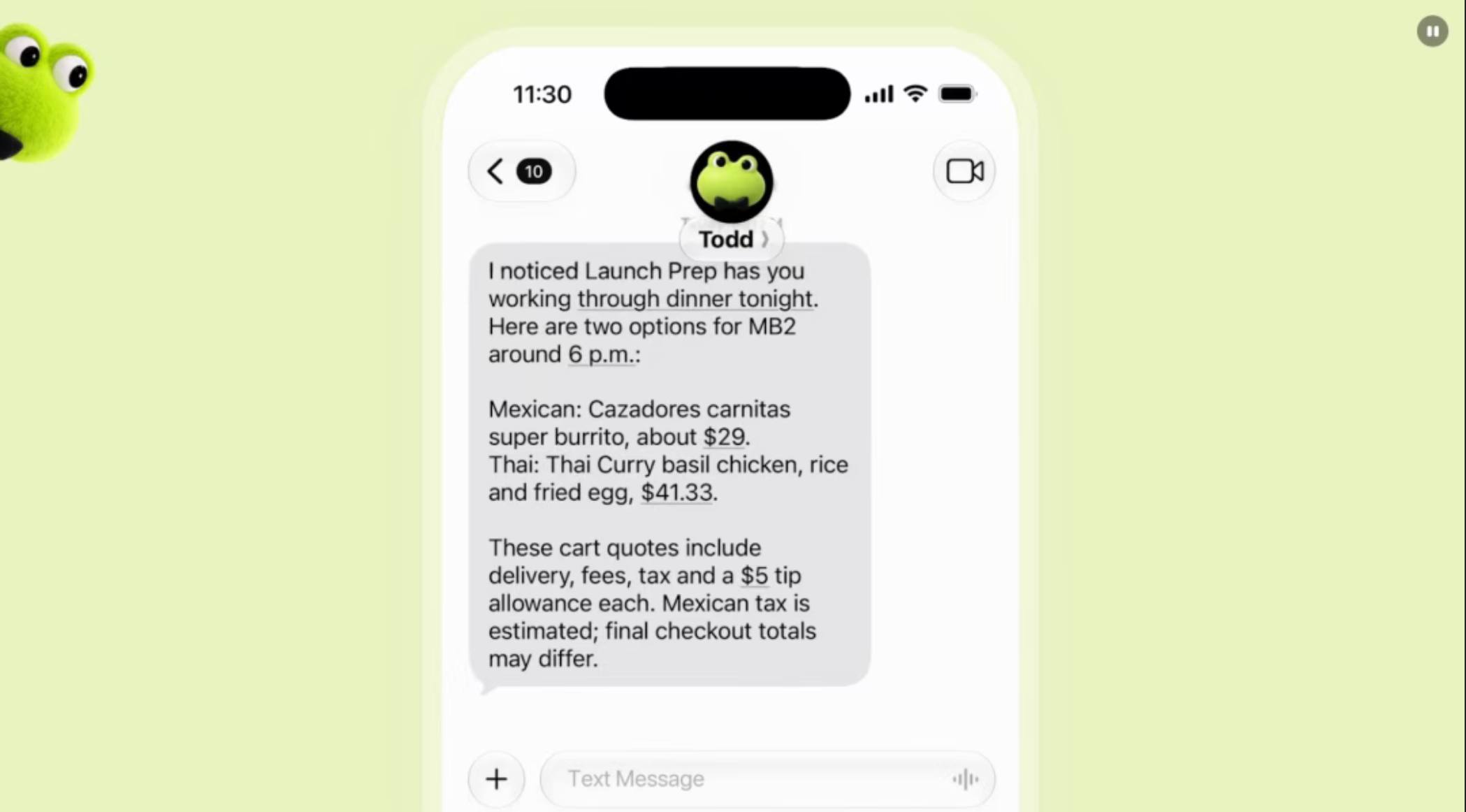
Meta’s Muse stumbled over permission controls. We covered this story before: a blogger asked Muse to help sell a keyboard on the secondhand market, and Muse leaked his home address to a stranger, then replied to the buyer as if it were him: “I’m here.”
OpenAI clearly came prepared.
dots uses a three-tier permissions system. First, default rules set which actions it can take independently and which require approval. Second, custom rules let you mark specific actions as “allow,” “require approval,” or “explicitly deny.” Third, hard blocks: sensitive actions like installing software, changing passwords, or deleting data all need your approval.
Like Muse, dots can use your saved passwords to log into websites and services, but it never sees plaintext passwords. It can operate on your behalf without exposing your credentials.
OpenAI also built a background security monitor that can pause dots’ work at any time. The Activity View shows every background task, and you can always take over manually.
Live Demo Glitches
Live demos going wrong have become an OpenAI tradition, and dots followed the script.
ChatGPT product lead Holly Li took the stage to demo her dot, “Dottie,” but Dottie failed to respond. The demo had to pause. Holly joked, “Dottie’s a little slow getting up this morning.”
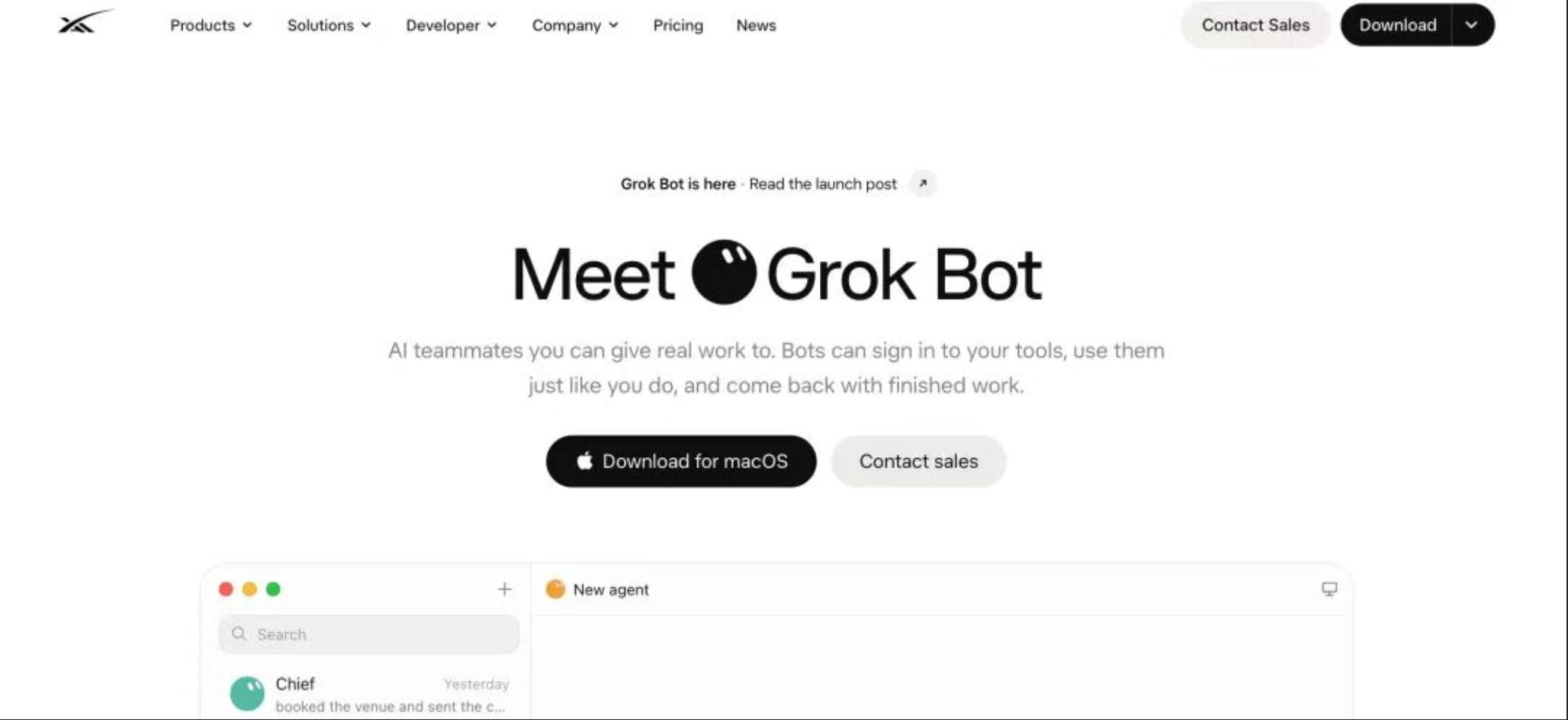
Even better: someone searching for the domain dot.com got redirected to Elon Musk’s Grok Bot.
Classic Elon.
How to Use dots
dots is currently available to just two groups of ChatGPT subscribers: ChatGPT Pro ($100/month and above) and Business Premium. Each subscription includes one dot at no extra charge, with an extra usage allowance in the first month. Pricing for additional dots and higher quotas hasn’t been announced.
Important: conversations with dots don’t count against your Codex or ChatGPT Work quota. But when dots triggers Codex or ChatGPT Work tasks, those do count normally. So while dots runs 24/7, your token allowance is still finite.
You’ll find dots in the left sidebar of the updated ChatGPT interface.
dots vs Muse vs Grok Bot: Which Has the Edge?
dots, Muse, and Grok Bot — which comes out ahead?
All three target individual users, but Muse goes mass-market with a free tier; Grok Bot targets developers and team collaboration (supporting multiple bots working together), starting at $20/month; OpenAI takes the premium route, starting at $100/month.
Muse wins on accessibility. dots’ advantage is GPT-6 Astra’s model power and ChatGPT’s 4,000+ plugin ecosystem — it has a higher ceiling for serious work.
Here’s a side-by-side comparison:
| SPEC | DOTS | GROK BOT | MUSE |
|---|---|---|---|
| CPU | 9 cores · Intel Xeon / AMD EPYC | 8-core Xeon | 2-core AMD EPYC 9D64 |
| Memory | 9.7 GB | 16 GB | 8 GB |
| Storage | 32 GB | 128 GB | 7.5 GB system + 100 GB data |
| Root access | No | Yes | Yes |
| Model | GPT-6 Astra | Grok 4.7 | Muse Spark 1.3 |
| Context window | 1.05 million | 500,000 | 1.04 million |
| Price | $100/month and up | $20/month and up | Free |
| Apps and tools | 4,000+ plugins | Named Bots + Skills + Routines | Asana, Shopify, Slack |
| Launch | September 29 | Internal beta from August 11 | September 8 |
On raw hardware, Elon’s Grok Bot wins outright with 16GB RAM and 128GB storage, plus root access — very appealing. Muse has the weakest specs (2 cores, 8GB), but being free with root access makes it great for tinkering.
Will dots become the next breakout hit like Muse, or fade away like Sora?
Time will tell.